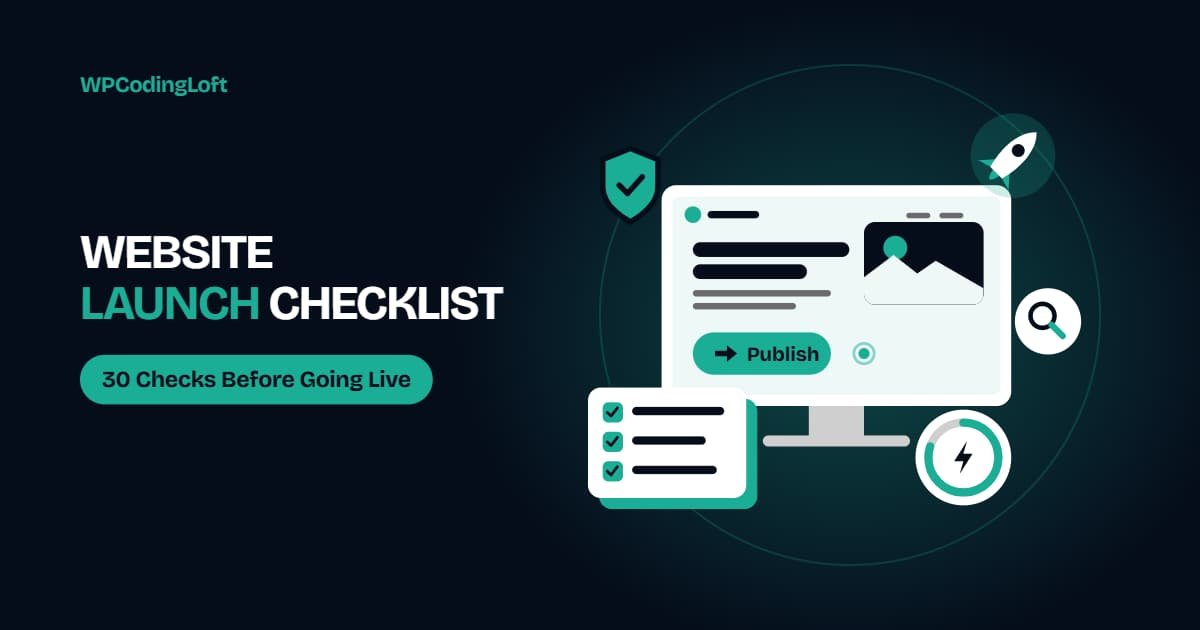
Website Launch Checklist: 30 Things to Check Before Going Live
A good website launch checklist helps prevent the mistakes that make launches stressful, such as forms that do not send, pages blocked from Google, broken links, and missing tracking. Use this checklist for WordPress or any other platform, and complete each item before making your website live.
Before you start about Website Launch Checklist:
Work through this checklist on a staging site first, then repeat the key checks on the live site immediately after launch. Assign each task to a responsible person, and keep a backup of the existing website if you are replacing an older version.
Website Launch Checklist A. Content and Design (7 Checks)
- All pages contain final text and images, with no placeholder content.
- Spelling, grammar, and brand names have been reviewed.
- Mobile, tablet, and desktop layouts have been tested on real devices.
- Menus, footer links, and buttons direct visitors to the correct destinations.
- Images are optimized, correctly sized, and include descriptive alt text.
- The favicon and social sharing images are configured.
- Required legal pages, such as the privacy policy and terms and conditions, are published.
Website Launch Checklist B. Functionality (6 Checks)
- Every form has been tested, and notification emails are successfully delivered. Check spam folders as well.
- Confirmation messages and thank-you pages work correctly.
- Search, filters, and any booking or checkout processes have been tested.
- Third-party tools, such as live chat and calendar integrations, are working.
- Cookie notices and consent tools are configured if required for your audience.
- Broken links have been identified and fixed.
Website Launch Checklist C. Technical Setup (6 Checks)
- The SSL certificate is active, and HTTP traffic redirects to HTTPS.
- The WordPress setting that discourages search engines from indexing the site is turned off on the production website.
- The staging website is protected from search engine indexing and public access where appropriate, so it does not compete with the live website.
- Backups are scheduled, and a restoration process has been tested.
- Unused plugins, themes, and test content have been removed.
- Admin accounts have been reviewed, passwords are strong, and two-factor authentication is enabled.
Website Launch Checklist D. SEO (6 Checks)
- Every important page has a unique SEO title and meta description.
- Headings follow a logical hierarchy, with one primary H1 heading per page.
- URLs are clean, readable, and finalized.
- An XML sitemap has been generated and submitted through Google Search Console.
- Old URLs redirect to their corresponding new URLs when replacing an existing website.
- The robots.txt file does not accidentally block important pages or resources from search engines.
Website Launch Checklist E. Performance and Tracking (5 Checks)
- Google PageSpeed Insights has been used to test key pages, especially their mobile performance.
- Caching and image optimization are enabled and configured correctly.
- Analytics tracking is installed and tested.
- Conversion tracking is configured for important actions, including form submissions, phone calls, and purchases.
- Google Search Console and Bing Webmaster Tools have been verified.
Launch Day Steps For Website Launch Checklist
Once all 30 checks are complete, follow these steps to make your website live:
- Take a complete backup of the website and its database.
- Switch DNS settings or push the website live during a quieter period.
- Retest forms, checkout processes, and important pages on the live domain.
- Clear website, server, and CDN caches where applicable.
- Submit the sitemap and inspect the homepage through Google Search Console.
- Inform the client or website owner about the launch and explain what they should monitor.
After Website Launch Checklist: The First Two Weeks
Launching a website is not the end of the process. Monitor its performance and functionality during the first two weeks to catch issues early.
- Check Google Search Console for indexing errors and crawling issues.
- Monitor website uptime and form email delivery.
- Resolve minor issues reported by the client or visitors.
- Run another website speed test to identify performance problems.
- Schedule regular maintenance, software updates, and a review after 30 days.
Common Website Launch Mistakes
Even a well-developed website can experience problems if important launch tasks are overlooked. Watch out for these common mistakes:
- Leaving the search engine visibility blocking setting enabled on the live website.
- Forgetting to configure 301 redirects when rebuilding or migrating a website.
- Not testing forms and email notifications on the live domain.
- Launching without analytics or conversion tracking.
- Skipping the final website backup before making changes live.
Want a Smooth Website Launch?
A successful launch requires more than publishing a website. It involves careful testing, technical checks, SEO preparation, performance optimization, and a proper handover.
WPCodingLoft helps agencies and businesses with website testing, launch preparation, and post-launch handover. Whether you are launching a new WordPress website or replacing an existing one, our team can help make the process smoother.
Contact WPCodingLoft to discuss your website launch requirements.
Frequently Asked Questions (FAQs)
What should I check before launching a website?
Before launching, check your website content, mobile layouts, forms, SSL certificate, SEO settings, page speed, backups, and analytics tracking. It is also important to test everything on a staging website before making it live.
How long does it take to launch a website after development?
A final review and website launch can take anywhere from a few hours to a few days. The timeline depends on testing requirements, content approval, DNS changes, and any issues discovered during the final review.
Why is my new website not showing on Google?
Common reasons include search engine visibility blocking being enabled, an XML sitemap not being submitted, or the website being too new for Google to index. Check Google Search Console for indexing issues and make sure important pages are accessible to search engines.
Should I launch my website on a weekend?
Launching during quieter hours or on a weekend can help reduce the impact of unexpected issues on website visitors. However, choose a time when your development or support team is available to monitor the website and respond quickly if something goes wrong.
Follow WPCodingLoft on Facebook, click here.